
Creating digital albums is an excellent way to organize and showcase your memories. This article will provide tips on how to create beautiful digital albums that you can share with loved ones.

Digital albums make it easier to enjoy and revisit family memories. Instead of searching through boxes of old photos or folders of digital files, albums organize images into meaningful collections.
Creating digital albums allows you to group photos by events, family members, or periods of time. This makes it much easier to browse through memories and share them with friends and relatives.
Digital albums also help ensure your photos remain accessible as technology continues to evolve.
Before building a digital album, it helps to organize your photo collection. Sorting your photos by year, event, or family member makes the album creation process much easier.
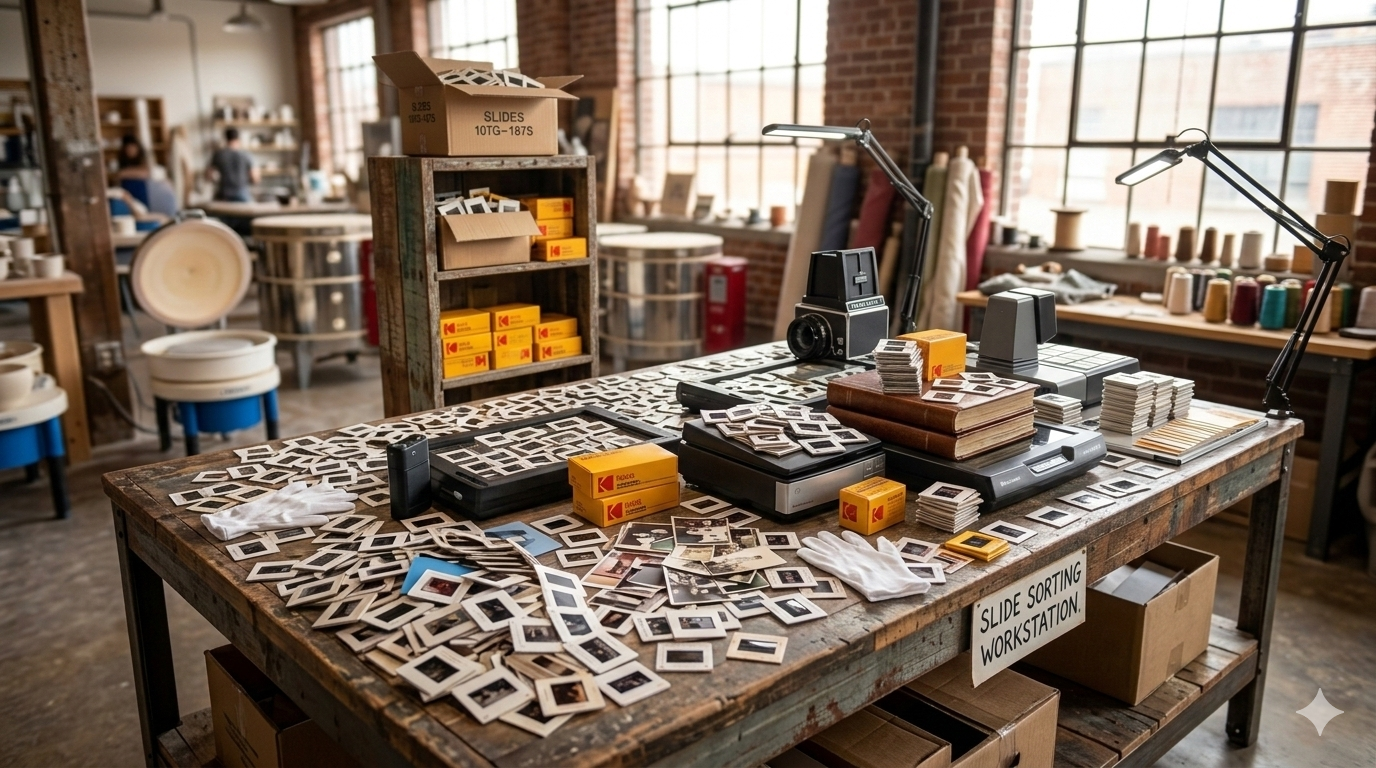
If you have recently digitized printed photos or slides, you may already have folders that represent different groups of memories. These folders can serve as a starting point for your digital albums.
Taking a little time to organize your photos beforehand helps create albums that feel more thoughtful and structured.
The best digital albums tell a story rather than simply displaying random photos. When creating an album, consider what story you want the collection to share.
Some albums may focus on a single event, such as a wedding or family vacation. Others may highlight a person’s life journey or a collection of family milestones over time.
Choosing a theme helps guide which photos to include and makes the album more meaningful to view.
When building an album, it is not necessary to include every photo available. Instead, select the images that best represent the moment or event.
Photos that capture emotion, interactions between family members, and important milestones often make the strongest additions to an album.
A well-curated album with fewer meaningful photos often creates a better viewing experience than an album with hundreds of similar images.
Adding short captions or descriptions can make digital albums even more valuable. Simple notes such as the year, location, or names of people in the photo can provide helpful context.
Over time, these details can become very meaningful for younger family members who may not recognize everyone in older photos.
Captions help preserve the stories behind the photos, not just the images themselves.
One of the biggest advantages of digital albums is how easily they can be shared. Albums can be sent to family members through email, cloud storage, or shared photo platforms.
This allows relatives who live in different cities or countries to enjoy the same collection of memories.
Many families find that sharing digital albums sparks conversations and reconnects family members with their shared history.
Once your digital albums are created, it is important to store them safely. Backing up your albums in multiple locations helps ensure they remain protected.
External hard drives, cloud storage, and USB drives are all common ways to store copies of digital albums.
Maintaining backups ensures that your carefully organized memories will continue to be available for years to come.
Many digital albums begin with photos that have been scanned from printed photographs, slides, or negatives. Digitizing older photo collections allows those images to be organized into albums that are easy to view and share.
At Middle, we help families throughout Calgary convert their printed photos and slides into digital files that can be organized into albums, slideshows, and family archives.
Digitizing your photos is often the first step in turning decades of memories into a well-organized digital collection.