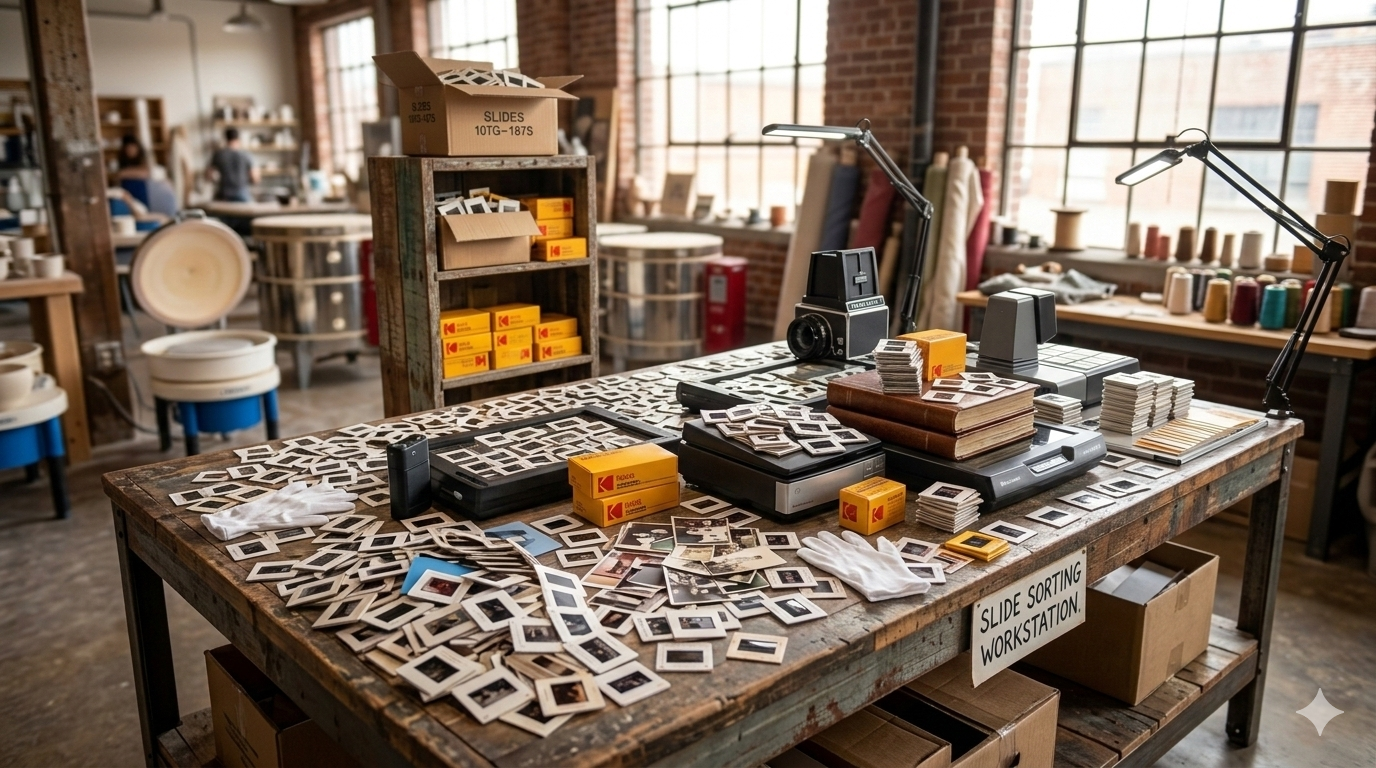

Organizing your digital photo collection is essential for easy access and management. This article provides strategies for keeping your digital memories organized.
Once photos are digitized, many people suddenly find themselves with hundreds or even thousands of digital files. Without a system in place, it can quickly become difficult to locate specific photos or keep everything properly stored.
Organizing your digital photo collection ensures that your memories remain easy to access, share, and protect. With a few simple strategies, you can turn a large collection of digital photos into a well-organized archive that can be enjoyed for years to come.
Whether your photos were recently digitized from old prints or you’ve accumulated years of digital pictures from phones and cameras, creating a simple organizational system makes a big difference.
One of the most effective ways to organize your digital photos is to create a logical folder structure. This allows you to quickly locate specific images without scrolling through thousands of files.
Many families organize their photos using one of these methods:
By Year
Inside each year, you can create subfolders for important events.
By Event
By Family Member
Choose a structure that makes sense for how you typically search for photos. Consistency is more important than complexity.
When photos are scanned or exported from cameras, the file names often appear as random numbers such as:
IMG_4587.jpg
DSC00342.jpg
Renaming files with meaningful descriptions can make them much easier to find later.
For example:
Even small changes like this can make your digital collection significantly easier to navigate.
Photo management software can help organize large collections more efficiently. These tools allow you to tag photos, sort them by date, and search for images quickly.
Popular options include:
Many of these platforms also allow you to group photos by faces, locations, or events, making it easier to find memories without manually sorting every file.
One of the most important steps in organizing your digital collection is creating reliable backups. Hard drives can fail, computers can be replaced, and files can accidentally be deleted.
To protect your photos, it is recommended to store them in at least two locations.
Common backup options include:
External Hard Drives
Keeping a backup on an external drive allows you to store a full copy of your photo collection safely outside your computer.
Cloud Storage
Cloud services like Google Drive, Dropbox, or iCloud provide an additional layer of protection and allow you to access your photos from multiple devices.
Having both a local and cloud backup helps ensure your photos remain safe long-term.
Over time, duplicate photos can accumulate from different cameras, phones, and backup copies. These duplicates can clutter your collection and make it harder to manage.
Periodically reviewing your collection and removing duplicates can simplify your folders and reduce storage space.
Many photo management programs also include tools that help identify duplicate images automatically.
When editing photos or creating new versions, it is a good practice to keep the original files whenever possible. This ensures that you always have access to the original image if you want to make changes in the future.
You can store edited versions in a separate folder such as:
Edited Photos
Shared Photos
Print Ready Photos
This keeps your original collection intact while allowing you to work with copies.
Once your photos are organized, you can start enjoying them in new ways. Digitized photos make it easy to:
Many families find that organizing their digital collection helps bring forgotten memories back to life.
For families with large collections of printed photos or slides, digitization is often the first step toward building an organized digital archive.
At Middle, we help families across Calgary convert printed photos, slides, and negatives into digital files that are easy to store, organize, and share. With local pickup and delivery available, the process is simple and hands-off.
Once your photos are digitized, organizing your digital collection becomes much easier and ensures your memories remain accessible for years to come.