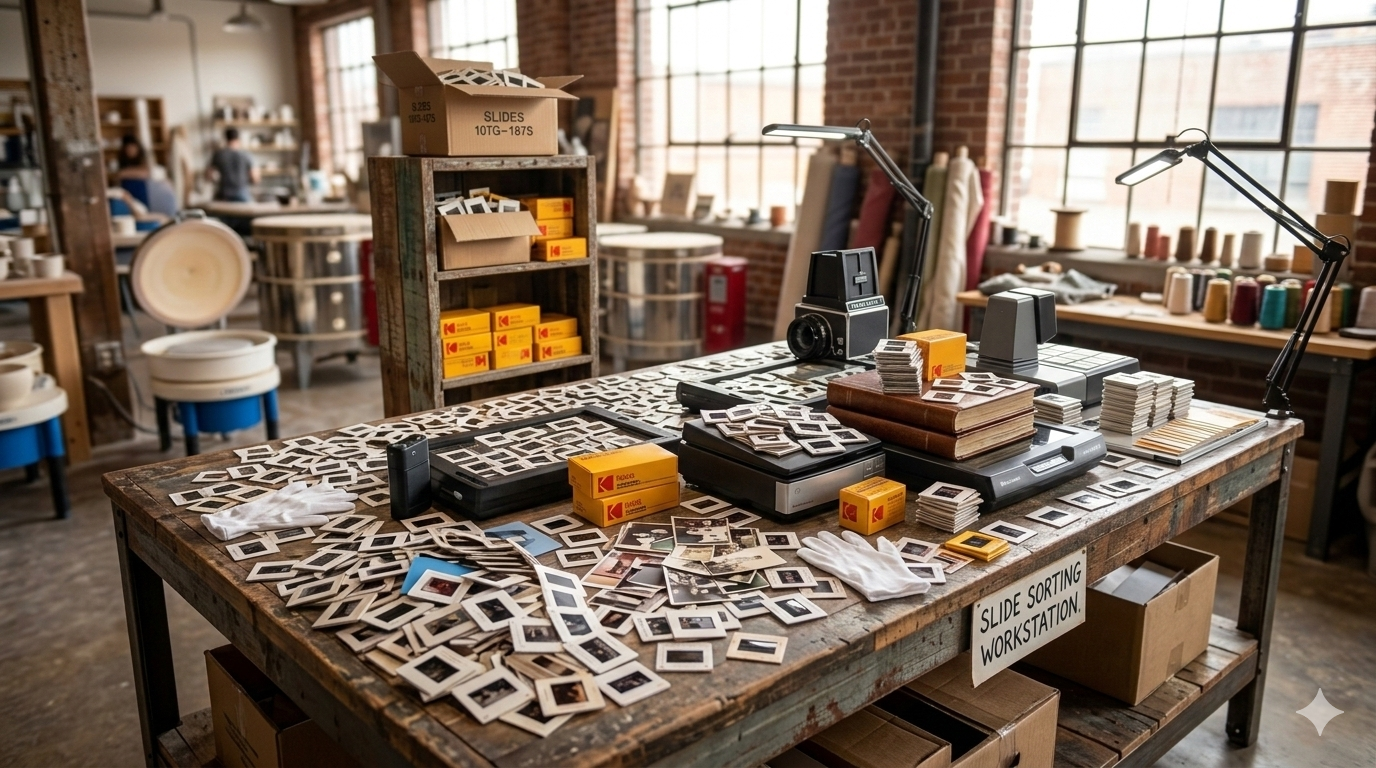

Scanning vintage photos requires special care to preserve their quality. This article offers tips for successfully scanning and preserving your vintage images.

Vintage photographs can be fragile, especially if they are several decades old. Oils from your hands can damage the surface of older prints, so it is best to handle them by the edges whenever possible.
Before scanning, make sure your hands are clean and dry. If the photos are particularly delicate, you may consider wearing cotton gloves to reduce the risk of damage.
Taking a few extra precautions when handling old photos can help preserve them during the scanning process.
Dust and small particles can appear clearly when photos are scanned at high resolution. Before scanning, gently remove any loose dust using a soft microfiber cloth or a photographic brush.
Avoid using water, cleaning sprays, or harsh cloths on vintage photos, as these can damage the image surface.
A gentle cleaning approach helps produce clearer digital scans without risking harm to the original photo.
Scanning resolution plays a major role in the final image quality. For most printed photographs, scanning at 300 to 600 DPI (dots per inch) provides excellent results for digital viewing and printing.
Higher resolutions may be useful for very small photos or images that may need to be enlarged later.
Scanning at the proper resolution helps capture the details of the original photograph while keeping file sizes manageable.
It may be tempting to scan multiple photos at once to save time, but scanning photos individually usually produces better results.
Scanning one photo at a time allows you to position the image properly, crop it accurately, and maintain consistent quality across your collection.
This also helps prevent photos from overlapping or shifting during the scanning process.
Older photos sometimes fade or develop color shifts over time. While some scanners offer automatic color correction, it is usually best to keep the scan as close to the original image as possible.
You can always adjust brightness, contrast, or color later using photo editing software. Keeping an unedited version of the scan ensures you always have the original preserved digitally.
Scanning is a great opportunity to organize your photo collection. As you scan each photo, consider grouping them into folders based on:
This makes it much easier to locate specific photos later once your collection becomes fully digitized.
Once photos have been scanned, it is important to create backups. Digital files should be stored in more than one location to prevent accidental loss.
Common backup options include external hard drives, cloud storage services, or USB drives. Keeping multiple copies ensures your digitized memories remain protected long-term.
If you have hundreds or thousands of vintage photos, scanning them yourself can take significant time and effort. Professional photo scanning services can help digitize large collections efficiently while handling delicate photographs carefully.
At Middle, we help families across Calgary digitize vintage photos, slides, and negatives so they can be preserved and easily shared with future generations.