
Learn how to create a meaningful and memorable photo slideshow using family photos and memories. These simple tips can help you turn old photos into a story that can be shared during celebrations, memorials, and family gatherings.

A memorable slideshow usually tells a story rather than simply showing random photos. Before building your slideshow, think about the overall theme you want to share.
For example, a slideshow might focus on a person’s life journey, a family history, or a special event such as a wedding anniversary or celebration of life.
Choosing a theme helps guide which photos to include and creates a more emotional and meaningful experience for viewers.
Instead of including every photo available, choose images that represent important moments and milestones. A strong slideshow often shows the progression of time and highlights meaningful memories.
Photos from different stages of life, family gatherings, vacations, and important events can help create a story that viewers can follow.
Selecting fewer but more meaningful photos often creates a stronger impact than trying to include everything.
Once you’ve chosen your photos, organize them in a way that feels natural. Many slideshows follow a chronological order, starting with older photos and moving toward more recent memories.
This approach helps viewers follow the story more easily and makes the slideshow feel more like a journey through time.
You can also group photos by life events, family moments, or major milestones.
Music plays an important role in creating emotion within a slideshow. The right song can make the presentation feel more personal and meaningful.
Many people choose songs that were meaningful to the person featured in the slideshow or songs that reflect the tone of the event.
For example, celebrations of life often include calm and reflective music, while family gatherings may use more uplifting songs.
Slides that move too quickly can make it difficult for viewers to fully appreciate the photos. At the same time, slides that stay on screen too long can slow down the presentation.
A good general guideline is to display each photo for about three to five seconds. This gives viewers enough time to recognize the image while maintaining a smooth flow.
Short captions can help add context to certain photos, especially if they represent important life events or include people that some viewers may not recognize.
A brief caption such as a year, location, or event title can help viewers better understand the moment being shown.
Captions should remain short and simple so they do not distract from the photos themselves.
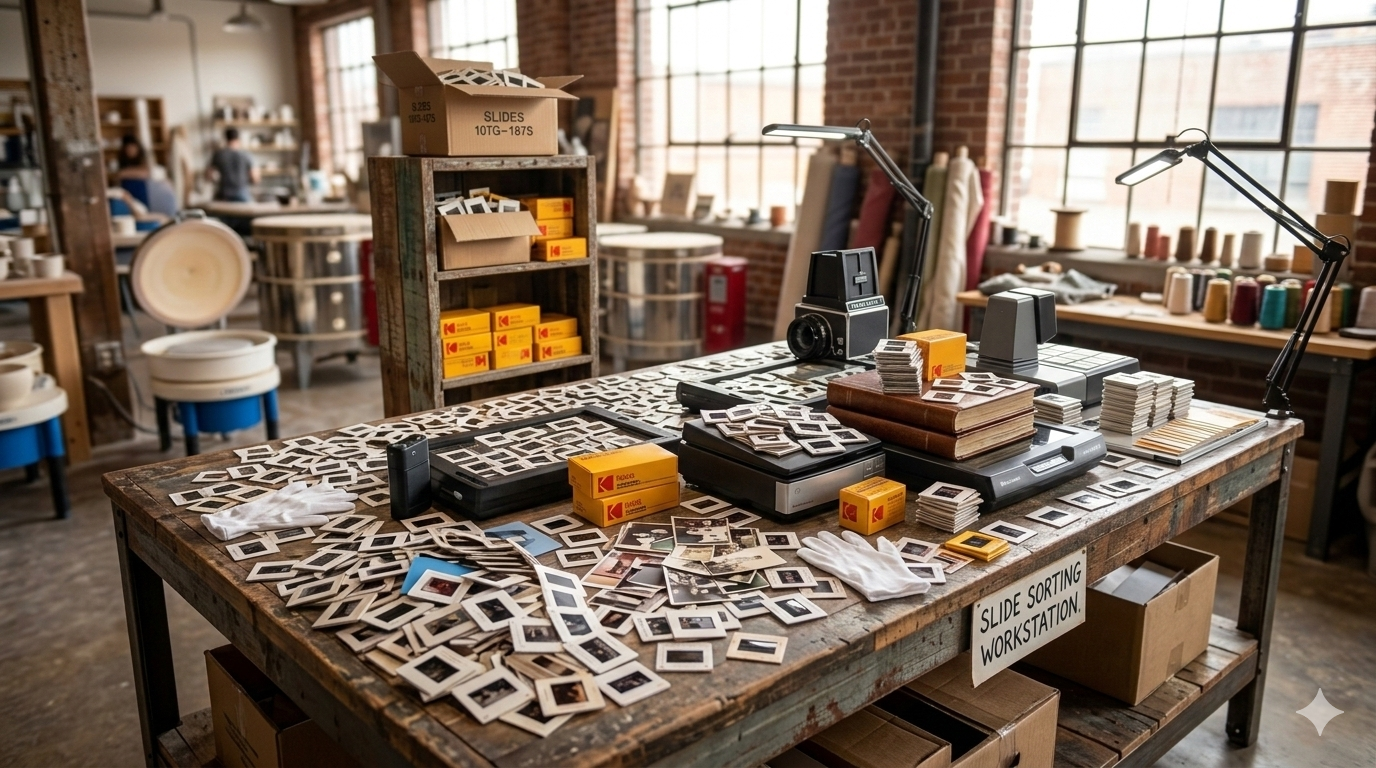
Older printed photos often need to be digitized before they can be used in a slideshow. High-quality scans help ensure the images look clear and vibrant when displayed on screens or projectors.
Digitizing photos also allows you to safely preserve the original images while creating digital versions that can be easily shared and reused.
Many families create slideshows from digitized photos during important events such as anniversaries, milestone birthdays, or celebrations of life.
Creating a slideshow is a powerful way to bring together family memories and share them with others. When photos are thoughtfully selected and organized, they can tell a story that connects generations and celebrates important moments.
At Middle, we help families throughout Calgary digitize old photos and create memory slideshows that preserve and share family history in a meaningful way.